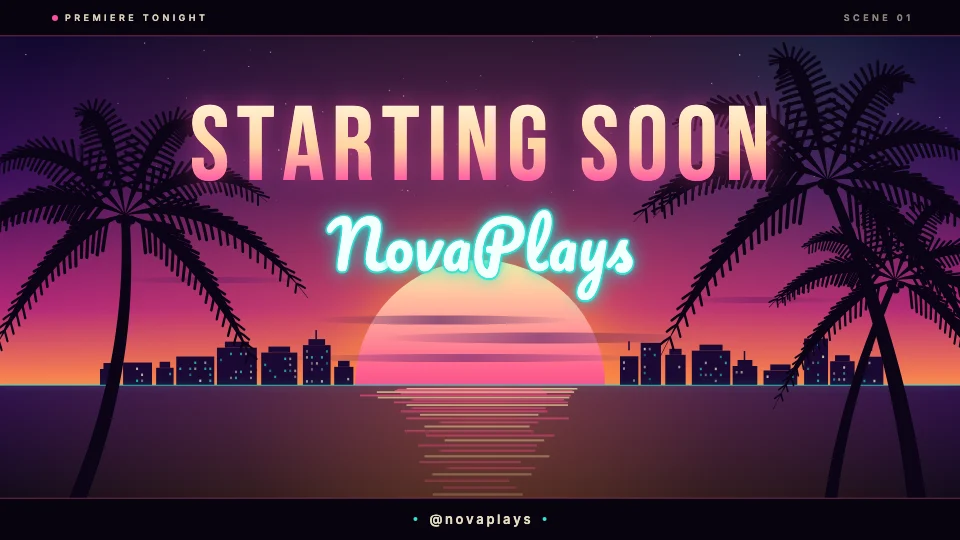
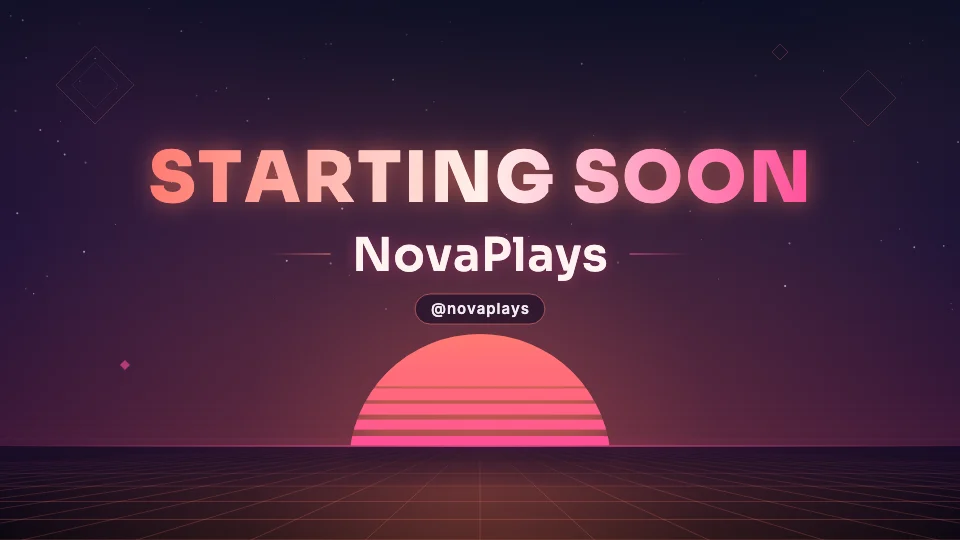
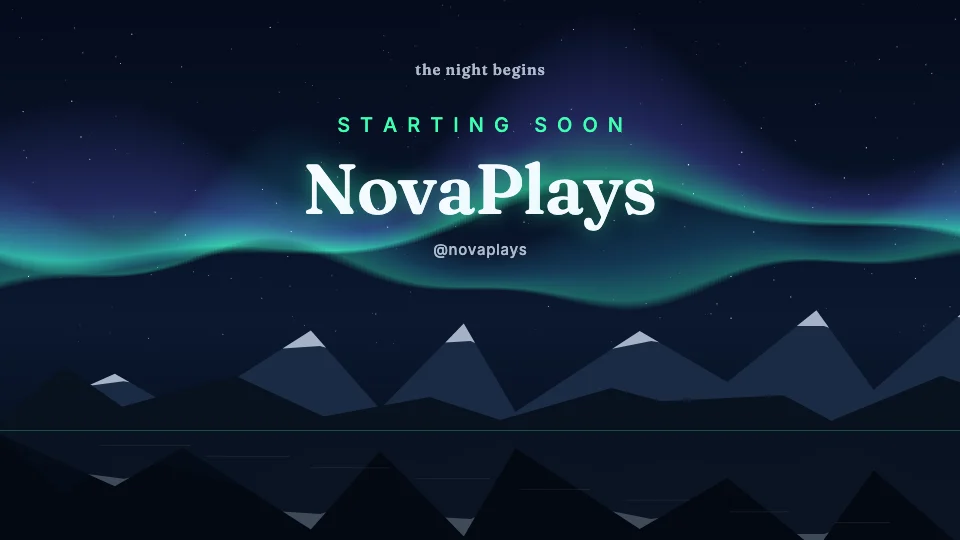
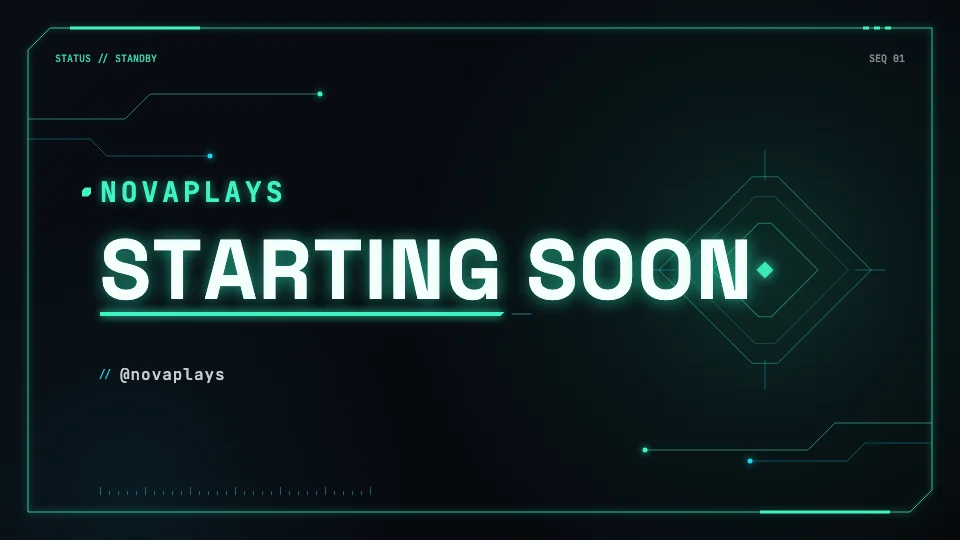
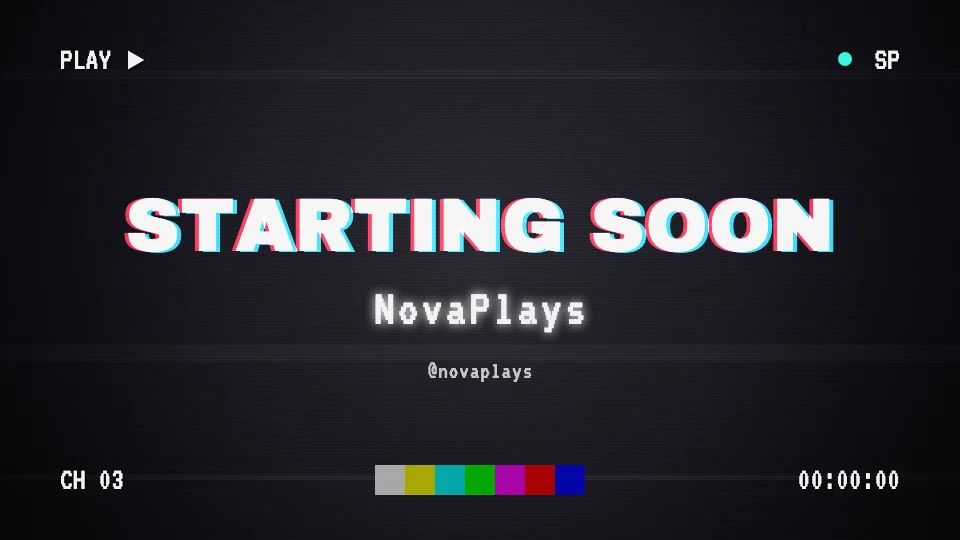
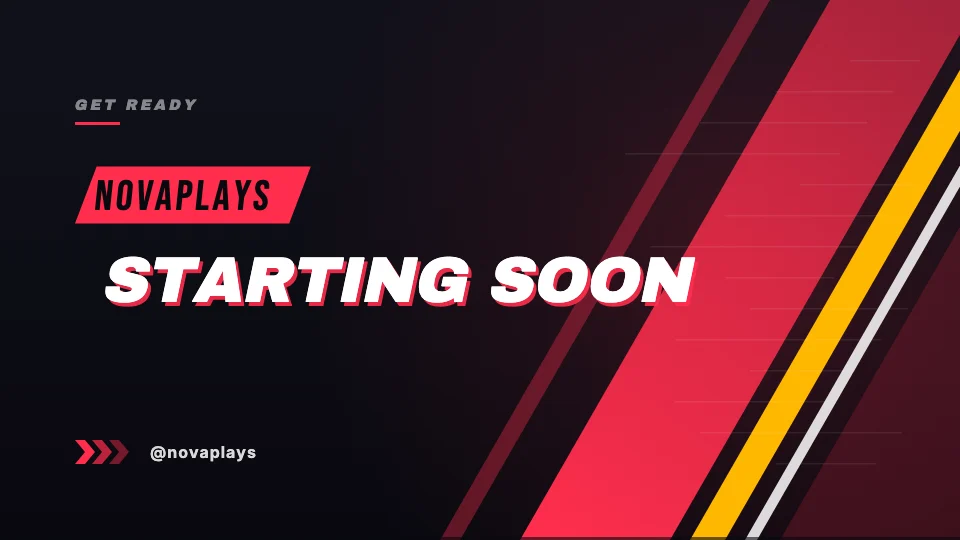
Be Right Back (BRB) screen for your stream
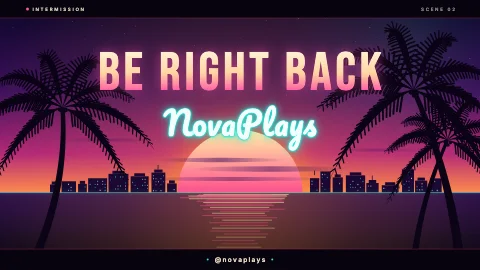
A Be Right Back screen covers short breaks without losing viewers. It shows that the stream is paused on purpose and keeps your branding on screen while you step away.
Why a BRB screen keeps viewers
A frozen game or an empty chair looks like a technical problem. A clear BRB screen with your name tells viewers the break is planned, so they wait or keep chatting.
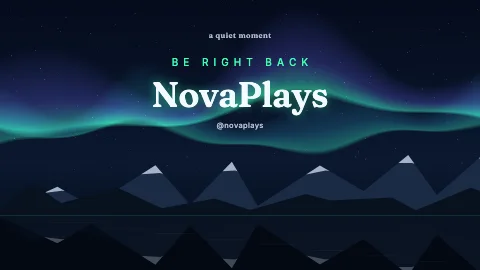
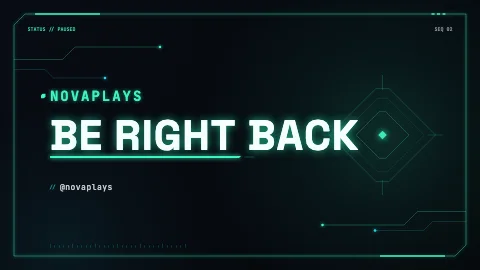
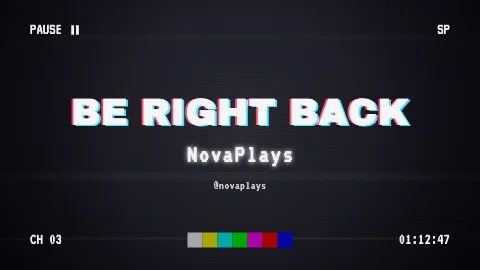
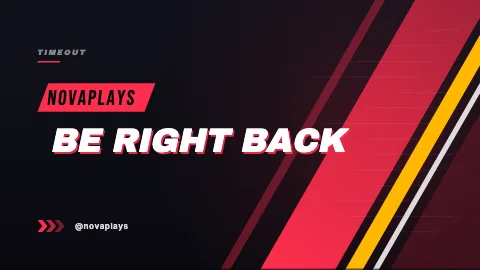
Each Overlay Folio theme has its own BRB version with a matching layout, so your break screen looks like part of the same show.
Sizes and format
Every theme exports this screen as a PNG in four sizes: 1280 × 720 (HD), 1920 × 1080 (Full HD), 2560 × 1440 (QHD) and 3840 × 2160 (4K UHD). Pick the size that matches the Base (Canvas) Resolution in OBS → Settings → Video.
How to use it in OBS
Create a scene called "Be Right Back" with an Image source for the PNG. Bind a hotkey to the scene in OBS → Settings → Hotkeys so you can switch with one key when you need a break.
Export sizes
- HD 1280 × 720
- Full HD 1920 × 1080
- QHD 2560 × 1440
- 4K UHD 3840 × 2160
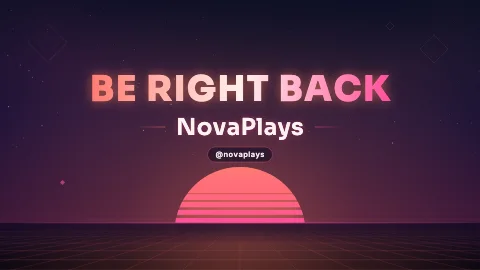
Be Right Back in six themes
Best deal
Get all 25 themes
Regular price $59.90 Now $39.90 Save 33%
- 25 complete overlay packs
- Every color, every size up to 4K
- One payment. No subscription.
- No watermark