Kick overlays that match on every scene
Streaming on Kick? Get a full set of matching scenes in a few minutes: Starting Soon, Be Right Back, Stream Ending and a webcam frame with a transparent center.
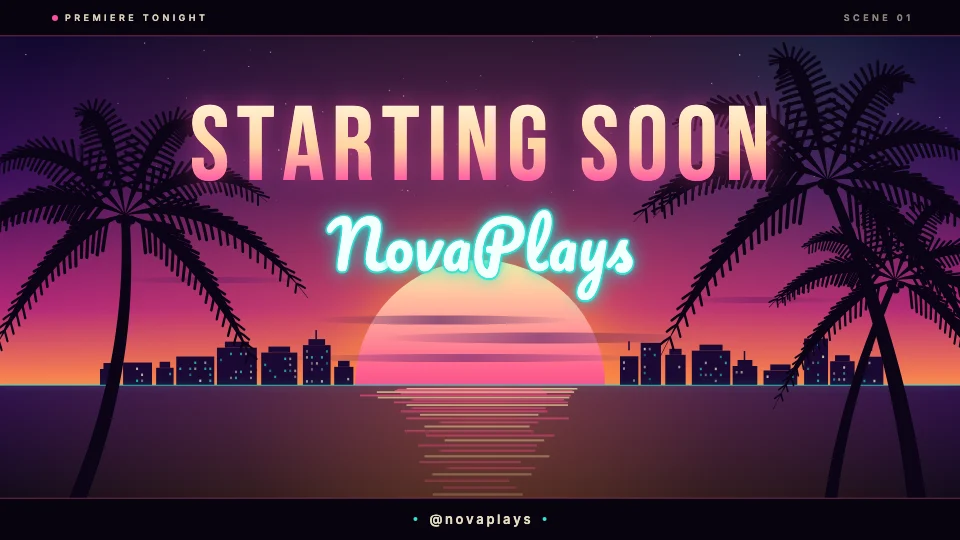 Featured
Neon Palms
Neon · Tropical nights. Cinematic neon.
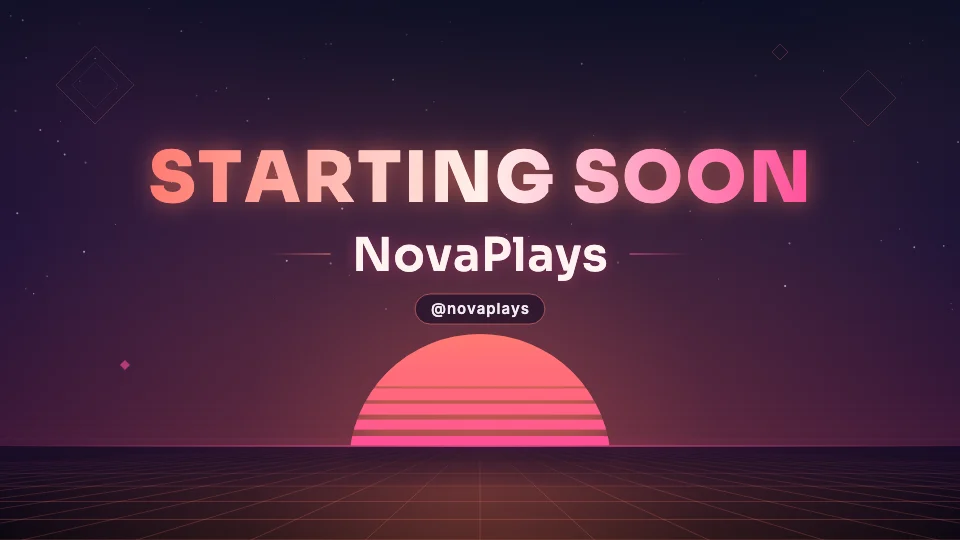
Sunset Pulse
Retro · Warm neon energy for unforgettable streams.
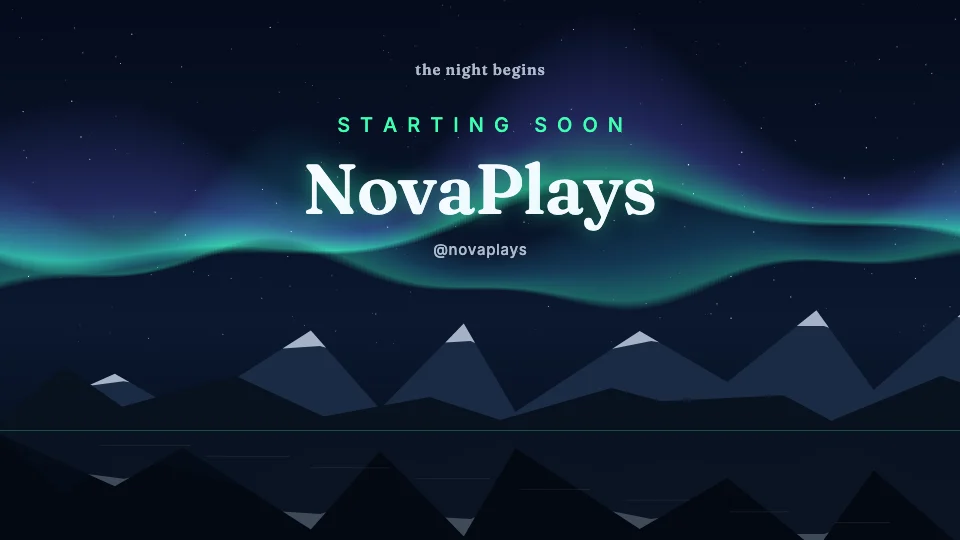
Aurora
Cozy · Northern lights, calm and vast.
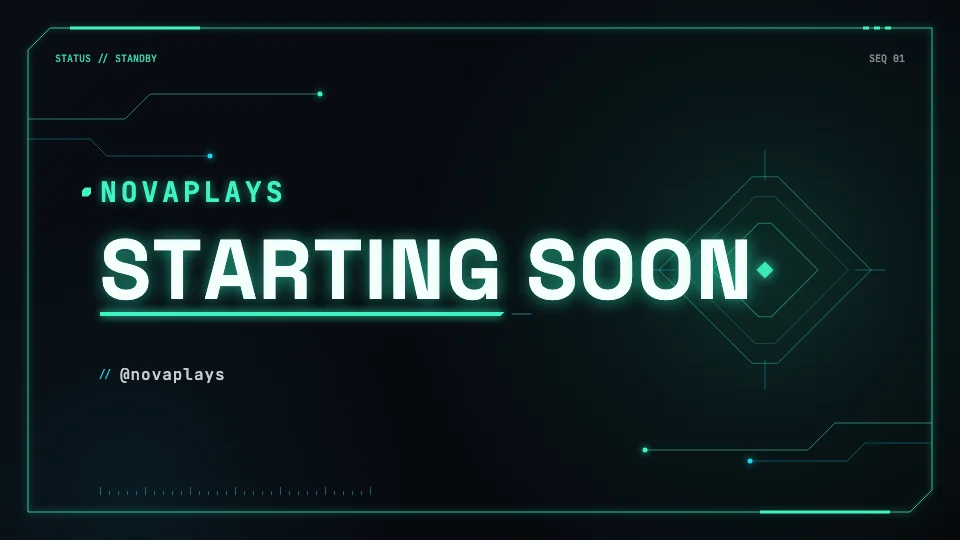
Neon Circuit
Neon · Sharp lines. Bold colors. Gaming-first.
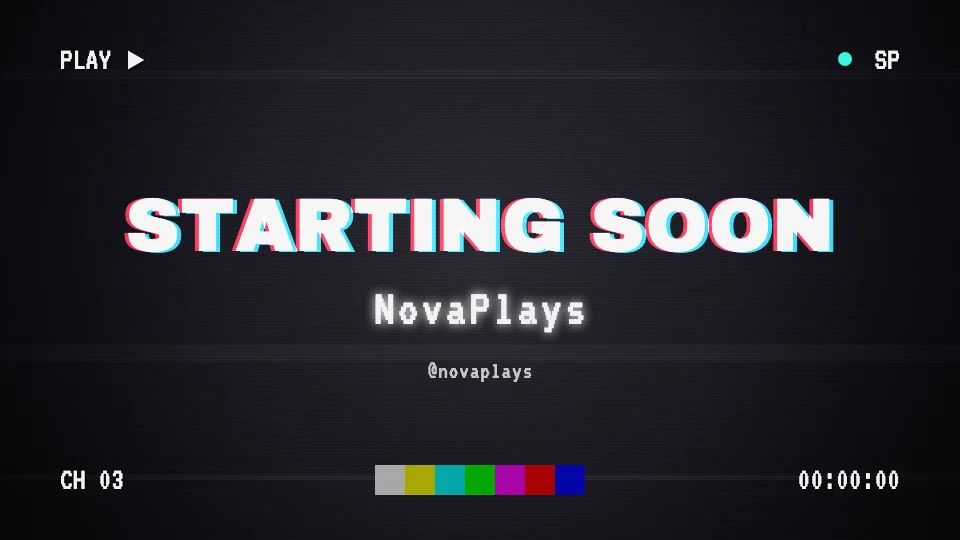
VHS Tape
Retro · Press play on the 90s.
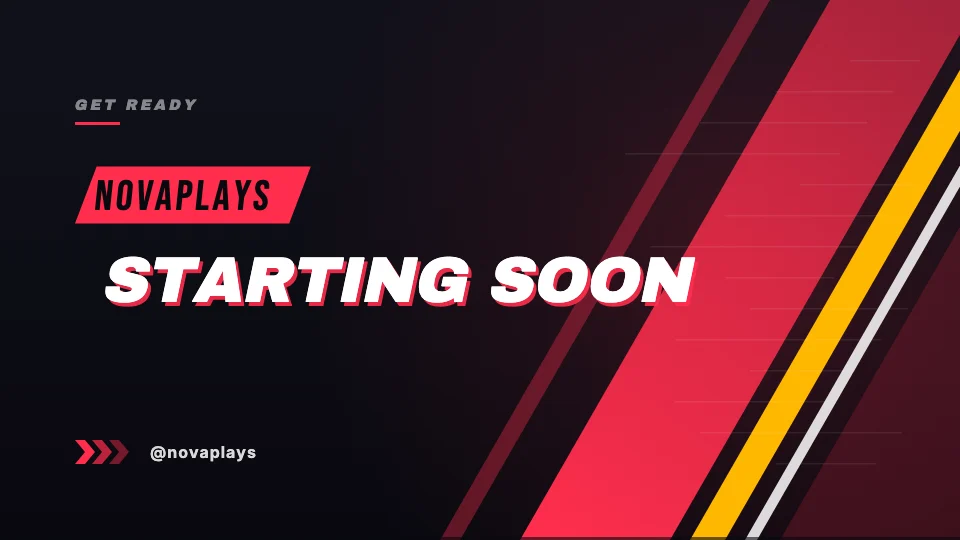
Esports Strike
Futuristic · Fast, sharp and competitive.
Tips for Kick
- Use the full-hd-1920x1080 folder for a 1920 × 1080 canvas in OBS.
- Put the webcam frame source above your camera source in OBS, then resize both together.
- Pick a theme that matches your games: neon and futuristic themes suit fast shooters, cozy themes suit chill streams.
Every pack has: Starting Soon screen, Be Right Back screen, Stream Ending screen, Webcam frame overlay.
Questions
Do these overlays work on Kick?
Yes. Add the PNGs to OBS as Image sources and stream to Kick as usual. The files are plain PNG images, so they also work in Streamlabs Desktop, XSplit and any other software with image sources.
Is the webcam frame really transparent?
Yes. The center of the webcam frame PNG is fully transparent, so your camera shows through. Only the border is drawn.
Do I need an account?
No. The overlay maker runs in your browser without an account.
Best deal
Get all 25 themes
Regular price $59.90 Now $39.90 Save 33%
- 25 complete overlay packs
- Every color, every size up to 4K
- One payment. No subscription.
- No watermark