Webcam frame overlay with a transparent center
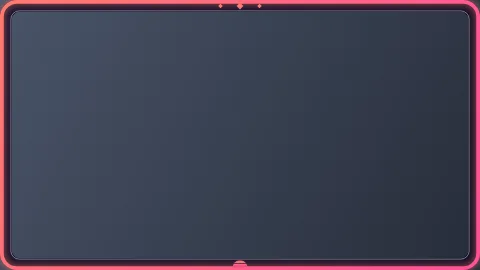
A webcam frame puts a clean border around your camera and ties it to the rest of your overlay. The center is fully transparent, so your camera shows through.

Transparent center, checked on every export
Every Overlay Folio webcam frame is a 16:9 PNG with an alpha channel. Before each download the app checks that the center is completely transparent and the border is visible. The camera image you see in the preview is only a placeholder and is never part of the file.
Sizes and format
Each theme exports the webcam frame in four sizes: 320 × 180, 640 × 360, 1280 × 720 and 1920 × 1080. Use the size closest to how large your camera appears on screen. A larger file stays sharp when you scale it up in OBS.
How to use it in OBS
Add the PNG as an Image source and place it directly above your Video Capture Device in the source list. Resize the camera so it fills the transparent center, then group both sources so they move together.
Export sizes
- HD 320 × 180
- Full HD 640 × 360
- QHD 1280 × 720
- 4K UHD 1920 × 1080
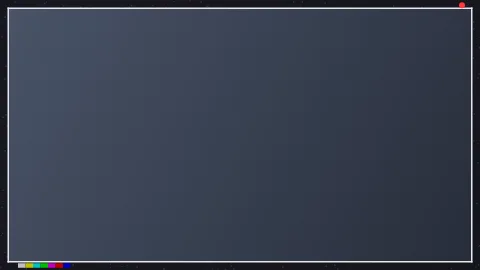
Webcam Frame in six themes



Best deal
Get all 25 themes
Regular price $59.90 Now $39.90 Save 33%
- 25 complete overlay packs
- Every color, every size up to 4K
- One payment. No subscription.
- No watermark