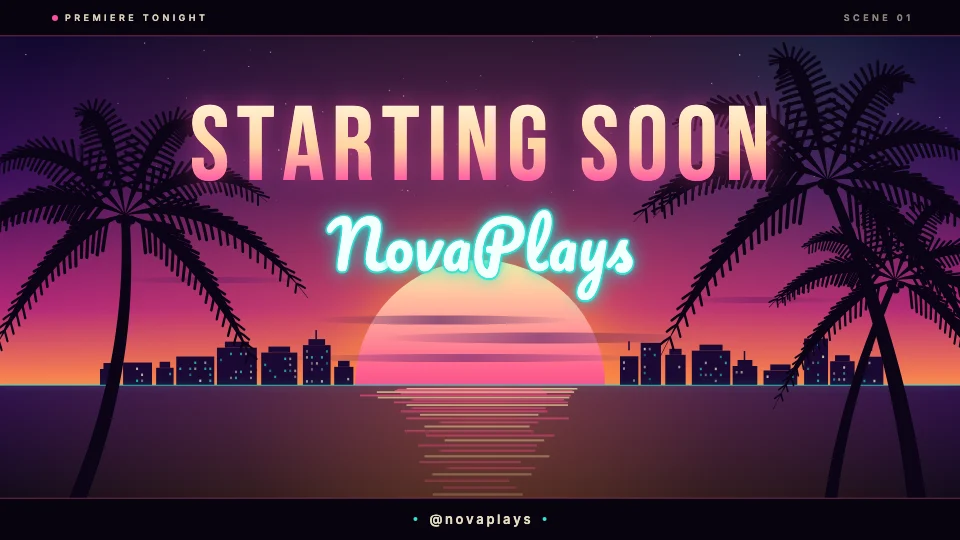
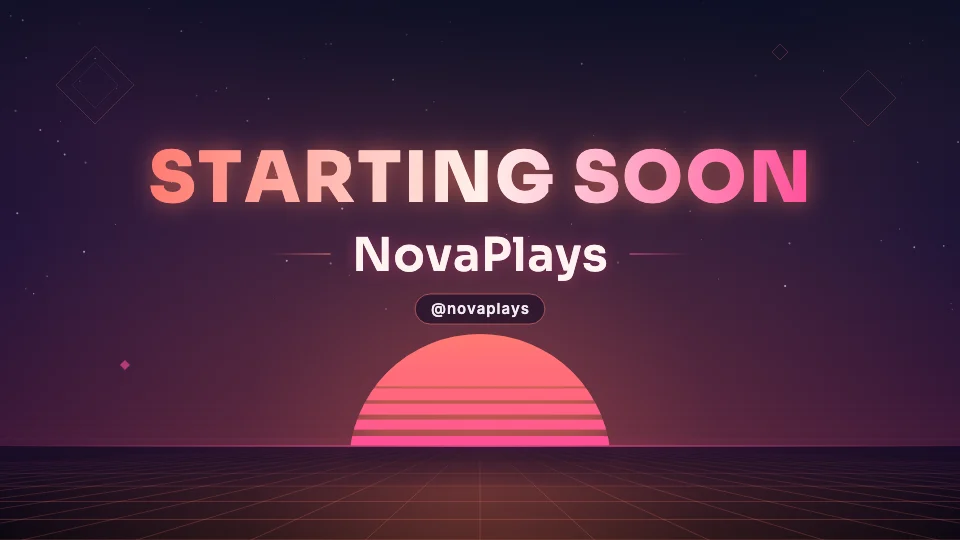
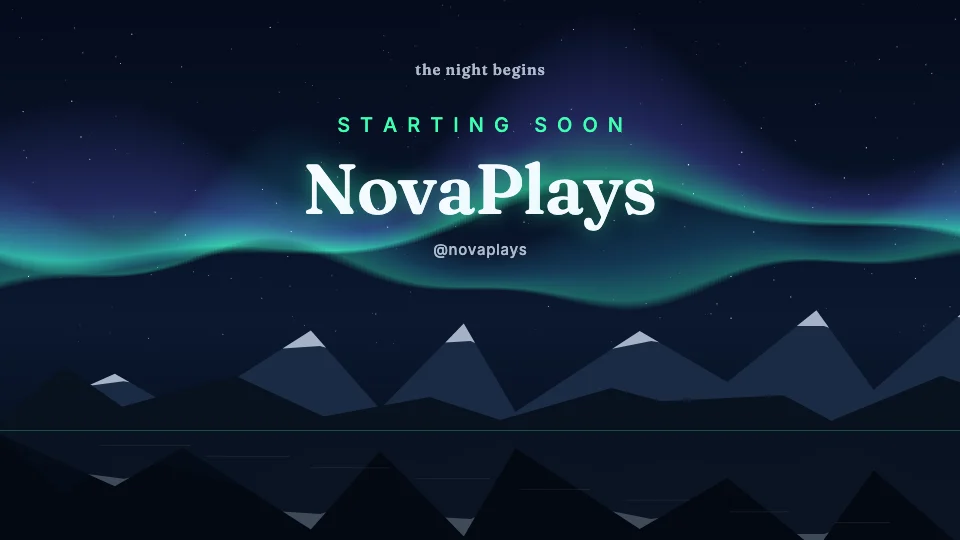
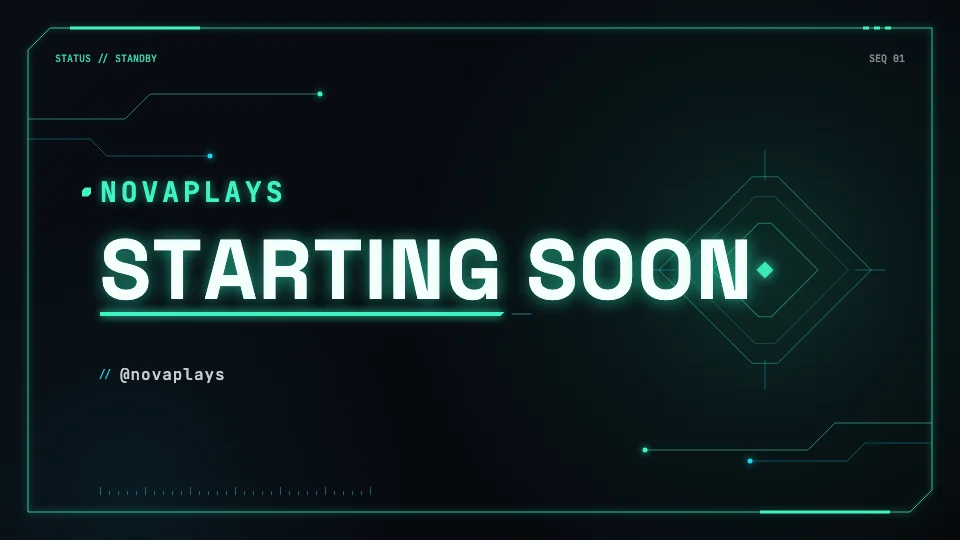
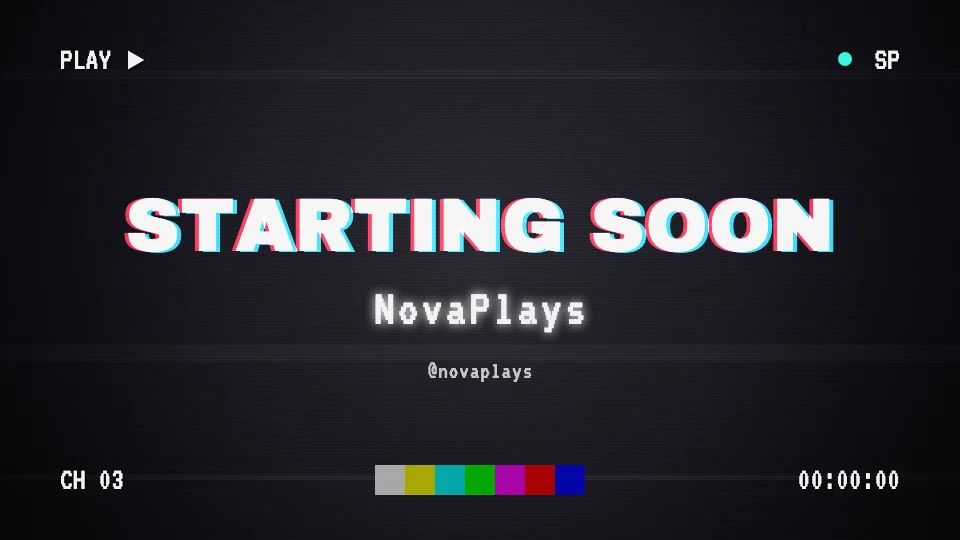
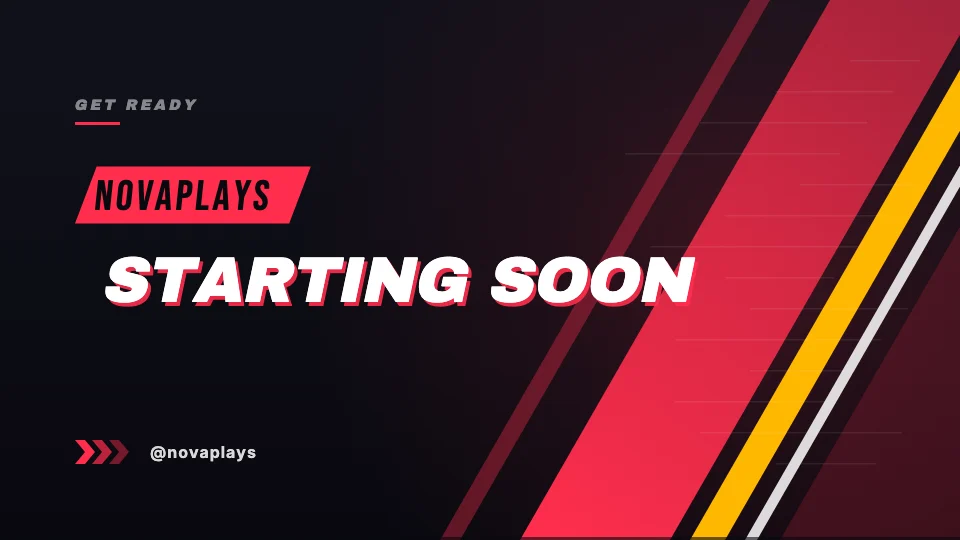
Stream Ending screen (Thanks for Watching)
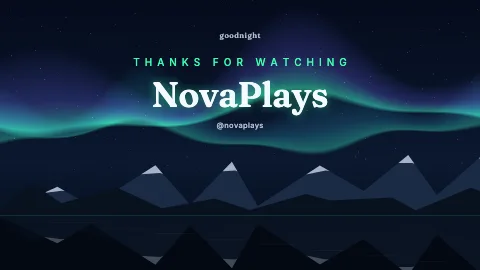
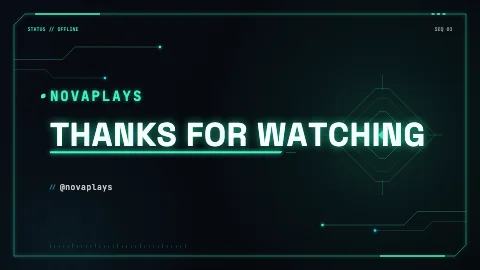
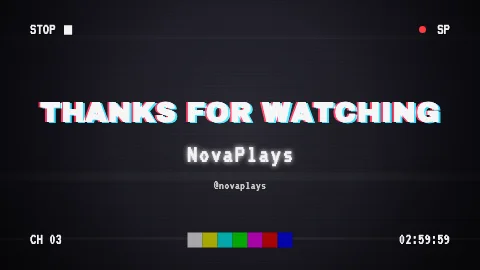
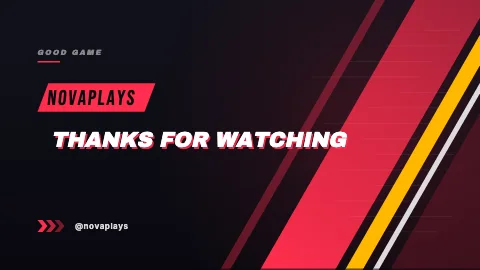
A Stream Ending screen closes the show in style. It thanks viewers, shows your channel name and social handle, and gives raids and goodbyes a clean background.
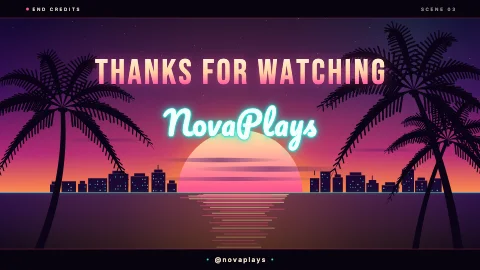
What to show on an ending screen
Your channel name and one social handle are enough. Viewers who want to follow you elsewhere can read the handle while you say goodbye or start a raid.
Overlay Folio shows the handle only when you enter one, so the design stays clean if you leave it empty.
Sizes and format
Every theme exports this screen as a PNG in four sizes: 1280 × 720 (HD), 1920 × 1080 (Full HD), 2560 × 1440 (QHD) and 3840 × 2160 (4K UHD). Pick the size that matches the Base (Canvas) Resolution in OBS → Settings → Video.
How to use it in OBS
Add a scene called "Stream Ending" with the PNG as an Image source. Switch to it at the end, say goodbye, start a raid, then stop the stream.
Export sizes
- HD 1280 × 720
- Full HD 1920 × 1080
- QHD 2560 × 1440
- 4K UHD 3840 × 2160
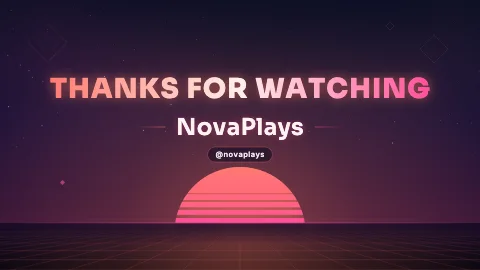
Stream Ending in six themes
Best deal
Get all 25 themes
Regular price $59.90 Now $39.90 Save 33%
- 25 complete overlay packs
- Every color, every size up to 4K
- One payment. No subscription.
- No watermark