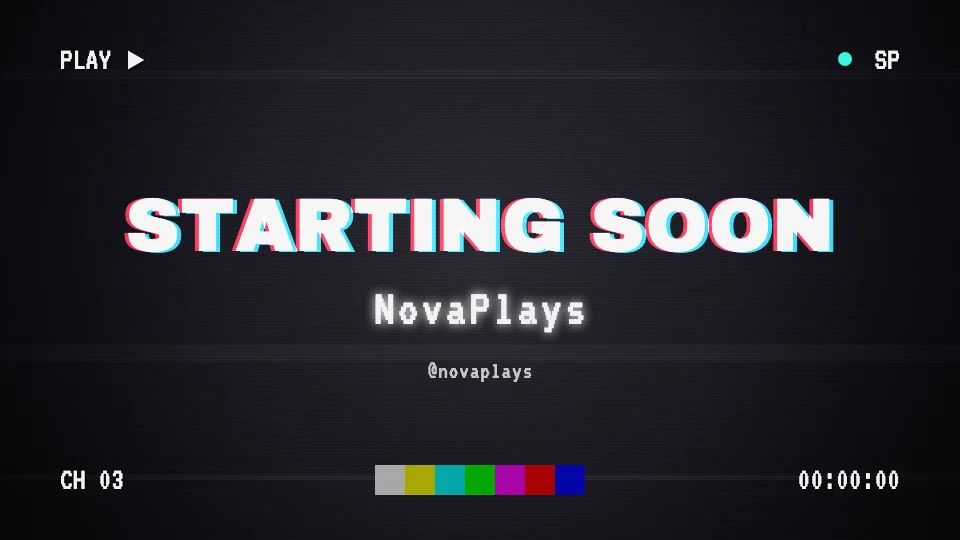
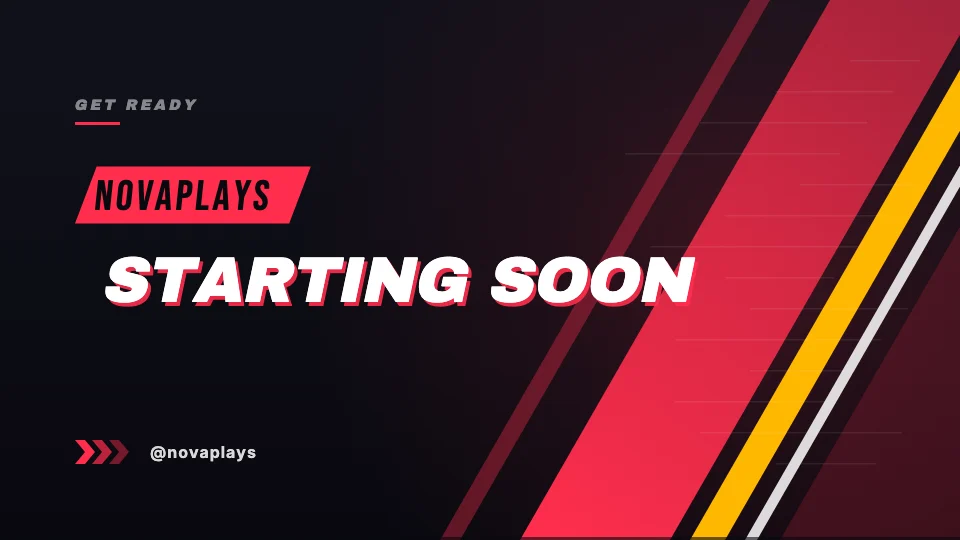
Starting Soon screen for your stream
A Starting Soon screen is the first thing viewers see when they open your stream. It tells them they are in the right place and that the show begins in a moment, so they stay instead of leaving.
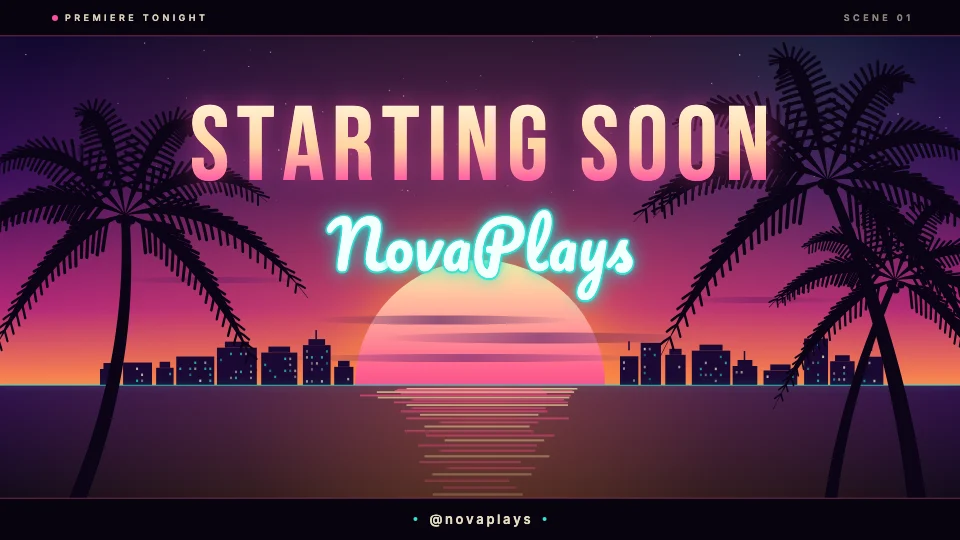
What makes a good Starting Soon screen
Clear text that reads well on a phone, your channel name, and a look that matches the rest of your stream. Viewers who join early see this screen for several minutes, so a calm, uncluttered design works better than busy effects.
Overlay Folio puts your channel name and an optional social handle on every Starting Soon design and keeps long names inside the safe area, so nothing is cut off.
Sizes and format
Every theme exports this screen as a PNG in four sizes: 1280 × 720 (HD), 1920 × 1080 (Full HD), 2560 × 1440 (QHD) and 3840 × 2160 (4K UHD). Pick the size that matches the Base (Canvas) Resolution in OBS → Settings → Video.
The Starting Soon screen is an opaque full-screen image. It covers the whole canvas, so you do not need any other source in that OBS scene, except optional music or a chat box.
How to use it in OBS
Create a scene called "Starting Soon", add an Image source, select the PNG and use Edit Transform → Fit to screen if the size does not match your canvas. Switch to your live scene when you are ready to start.
Export sizes
- HD 1280 × 720
- Full HD 1920 × 1080
- QHD 2560 × 1440
- 4K UHD 3840 × 2160
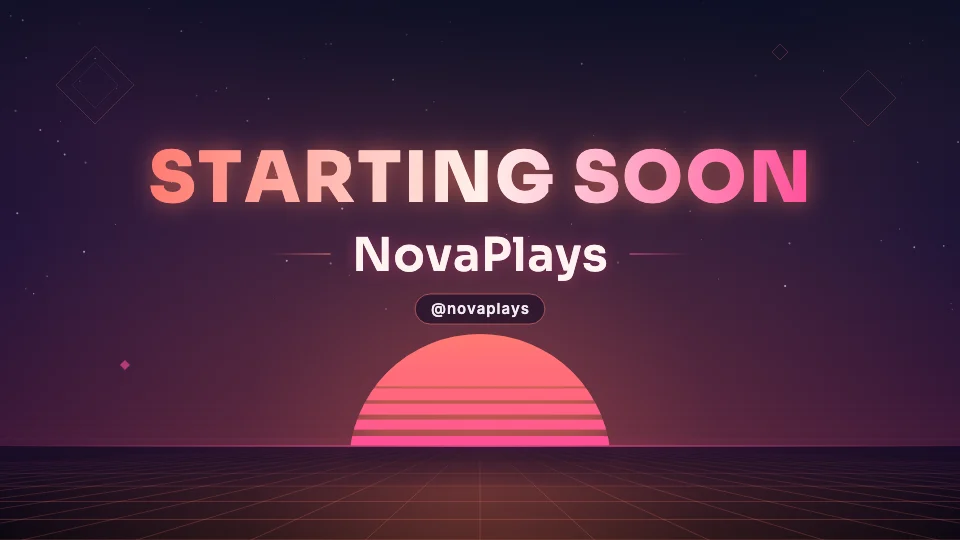
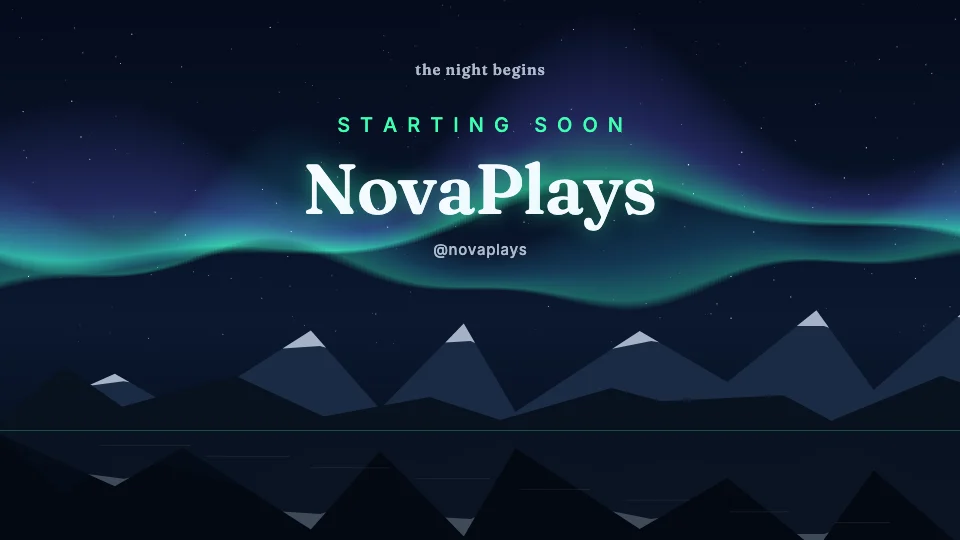
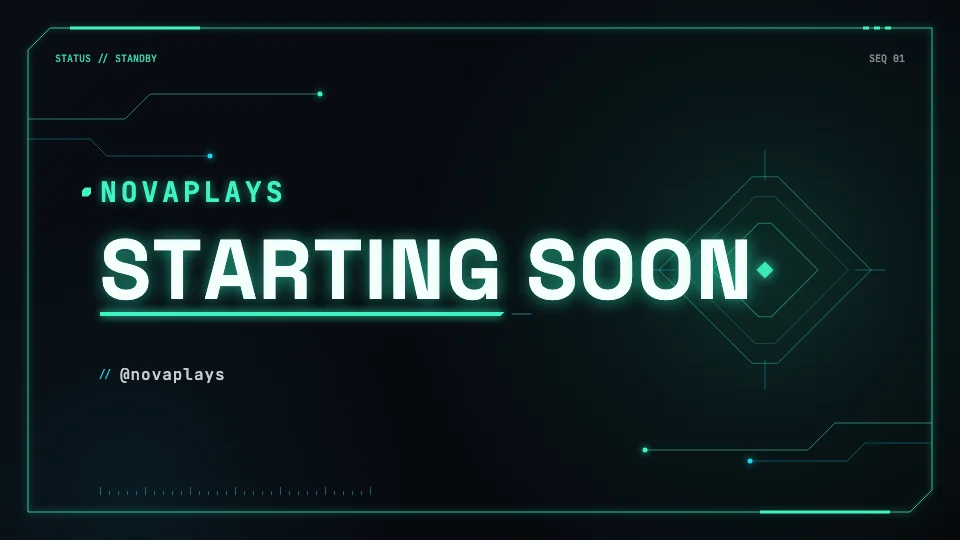
Starting Soon in six themes
Best deal
Get all 25 themes
Regular price $59.90 Now $39.90 Save 33%
- 25 complete overlay packs
- Every color, every size up to 4K
- One payment. No subscription.
- No watermark